


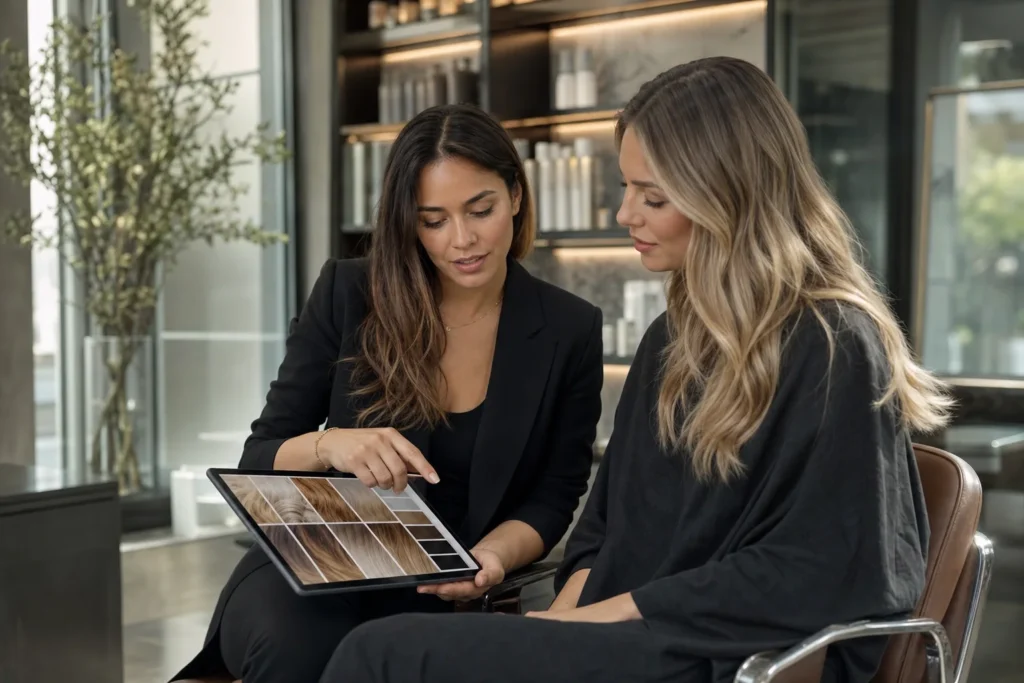
Digital hair colour records turn individual appointments into a usable client history. The record should help a qualified professional understand the starting point, consultation, tests, formula, processing, result, care and next step without relying on memory or scattered photographs.
More data is not automatically better. A reliable system captures information with a clear purpose, keeps it accurate and makes it available only to the people who need it.
What a complete colour history should answer
When the client returns, the team should be able to answer:
- What was the client trying to achieve?
- What did the colourist observe before the service?
- What relevant history and testing were recorded?
- What plan was agreed?
- What products, formula, placement and timing were actually used?
- How did the hair respond and what adjustments were made?
- What result was observed and how did the client feel about it?
- What care and return plan was recommended?
If the system cannot answer those questions quickly, it may be storing notes without creating continuity.
The seven parts of a reliable digital record
1. Client identity and preferences
Use the minimum identity and contact information the salon needs, plus communication and accessibility preferences relevant to the service. Avoid collecting sensitive detail simply because a form allows it.
2. Consultation and goal
Record the desired change, references, features to keep or avoid, maintenance expectations, time and agreed price range. Save the professional summary, not a private judgement about the client.
3. Relevant history and assessment
Document previous colour and chemical services, home colour, condition, porosity, elasticity, density, starting level, tone and different zones. Mark unknown information as unknown.
4. Tests and professional decisions
Record the tests or procedures required by current product instructions and professional protocol, their date, result and the action taken. Do not reduce this to a single untimed tick box.
5. Formula and execution
Capture product line, shade identifiers, quantities, ratios, developer, zones, placement, timing and adjustments. Link the formula to the specific visit so later edits do not erase history.
6. Result and evidence
Record the observed level, tone, coverage, condition and client feedback. Add photographs only with an appropriate purpose and handling. Note any difference between the plan and the finished result.
7. Care and next visit
Save recommended home care, maintenance window, future direction and what the next colourist should reassess. This turns the record into a forward-looking tool.
Structure information without losing nuance
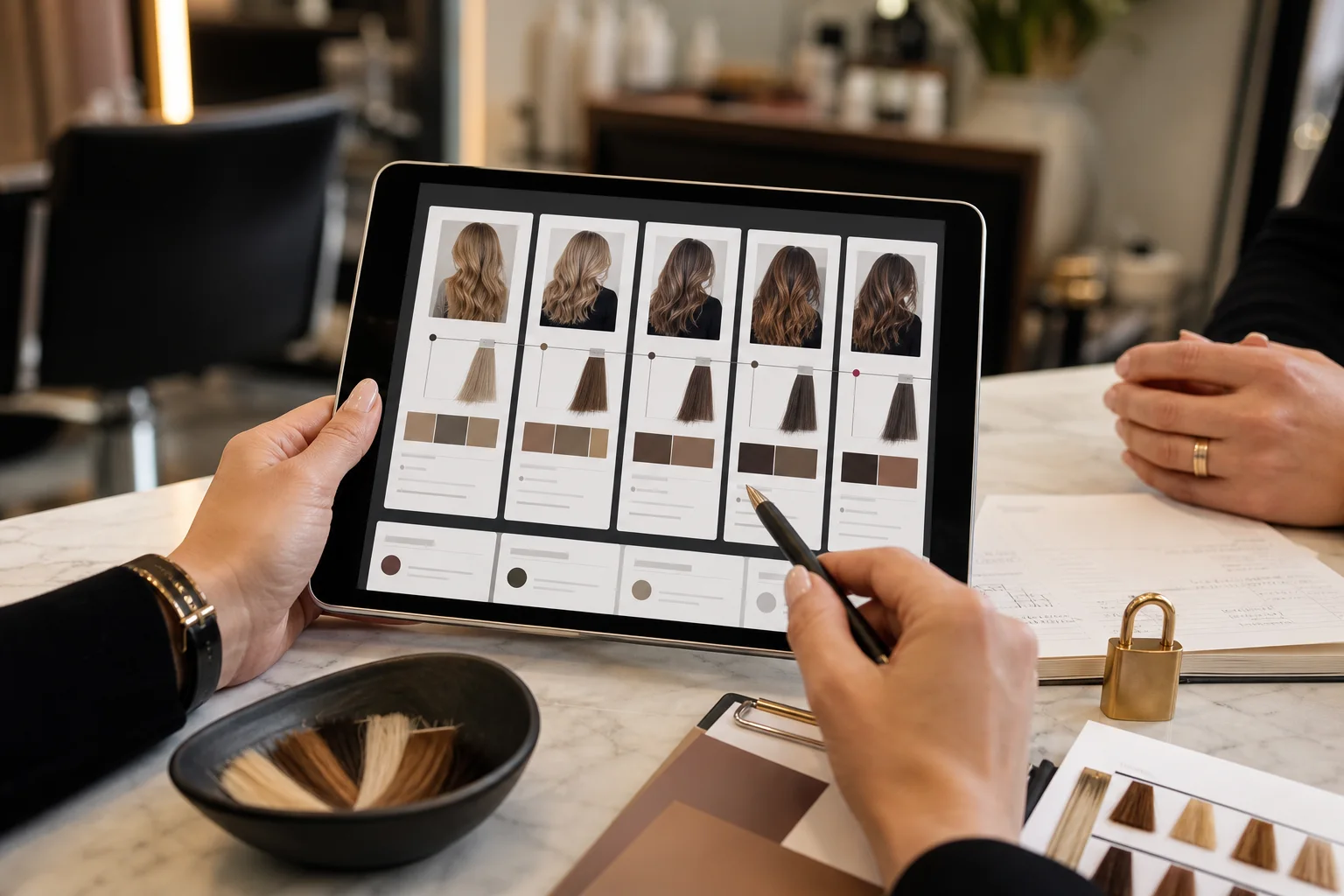
Use a combination of standard fields and professional notes. Standard fields make records searchable and consistent; notes explain exceptions and reasoning.
- Use controlled choices for service type, product system and record status.
- Use free text for observations, uncertainty and client-specific context.
- Use time-stamped versions rather than overwriting earlier visits.
- Make required fields proportional to the service.
- Show which professional created or approved the entry.
A routine refresh should not require the same documentation burden as a complex correction, but both need a clear minimum record.
Protect privacy and client trust
Salon records can contain contact details, images, consultation history and information a client expects to remain private. Build privacy into daily behaviour:
- Collect information for a defined service or business purpose.
- Explain how photographs and records will be used.
- Separate technical-reference consent from marketing consent where appropriate.
- Limit access by role and remove access when a team member leaves or changes duties.
- Use secure accounts and individual logins rather than a shared password.
- Define retention and deletion rules for the market where the salon operates.
- Keep an export and continuity plan if the software changes.
For specific legal requirements, obtain advice relevant to the salon’s country and business. Software features do not make the salon automatically compliant.
Design for the real salon day
The record must be easy to complete when the team is busy. Place prompts at natural workflow points:
- Before consultation: confirm identity, goal, references and history update.
- Before service: record assessment, tests, plan and agreement.
- During mixing: save formula and technical details.
- Before checkout: record result, adjustments, care and return recommendation.
- After selected services: add follow-up feedback or recovery actions.
Measure completion, but also ask whether the information helps at the next visit. A 100% tick-box rate can still hide low-quality notes.
How to migrate paper or scattered records
- Choose the primary system: decide where the official client record will live.
- Define the minimum fields: only migrate information with ongoing value.
- Prioritise active colour clients: move records when they book or return, rather than attempting every historic file at once.
- Verify with the client: confirm relevant history and preferences instead of assuming an old note is current.
- Attach evidence carefully: label dates and purpose for images or scanned material.
- Retire duplicate storage: once verified and permitted, reduce uncontrolled copies according to the retention plan.
Common record failures
The formula is saved without the outcome
The salon knows what was mixed but not how it behaved. Add the result and next adjustment.
Photographs live on personal phones
The record becomes unavailable to the team and difficult to govern. Use an authorised salon workflow with clear consent and access.
Every visit overwrites the previous note
The change history disappears. Use a dated visit timeline and preserve earlier versions.
The system cannot export usable records
Before committing to a provider, test export, permissions and the process for changing systems.
How HairCoPilot connects the history
HairCoPilot is designed to connect consultation, formula, care and return visits around one professional workflow. The benefit is not merely digital storage. It is a record that helps the colourist prepare, communicate and make the next decision with evidence.
Start with our guide to hair colour formula management, and see how HairCoPilot supports colour consultation.
Frequently asked questions
What is the minimum information to record after a colour service?
Record the starting assessment, agreed plan, exact formula and process, observed result, adjustments and next recommendation. Add required consultation or testing records according to the applicable protocol.
Should clients be able to see their colour records?
Access rights depend on applicable privacy law and the type of information held. Design an orderly process for requests and distinguish factual service records from internal administrative material with appropriate advice.
Can digital records prevent colour mistakes?
They can reduce missing context and improve handovers, but they do not replace reassessment, testing, product instructions or professional judgement. The current client matters more than the previous formula alone.
Build a history the team can use
A reliable digital hair colour record is concise enough to complete, detailed enough to support the next decision and protected enough to deserve client trust. Connect each visit to the next, preserve changes and measure whether the history improves continuity—not merely whether a form was filled in.
Explore HairCoPilot for salons and use the hair colour consultation questions to improve the information collected before the service.